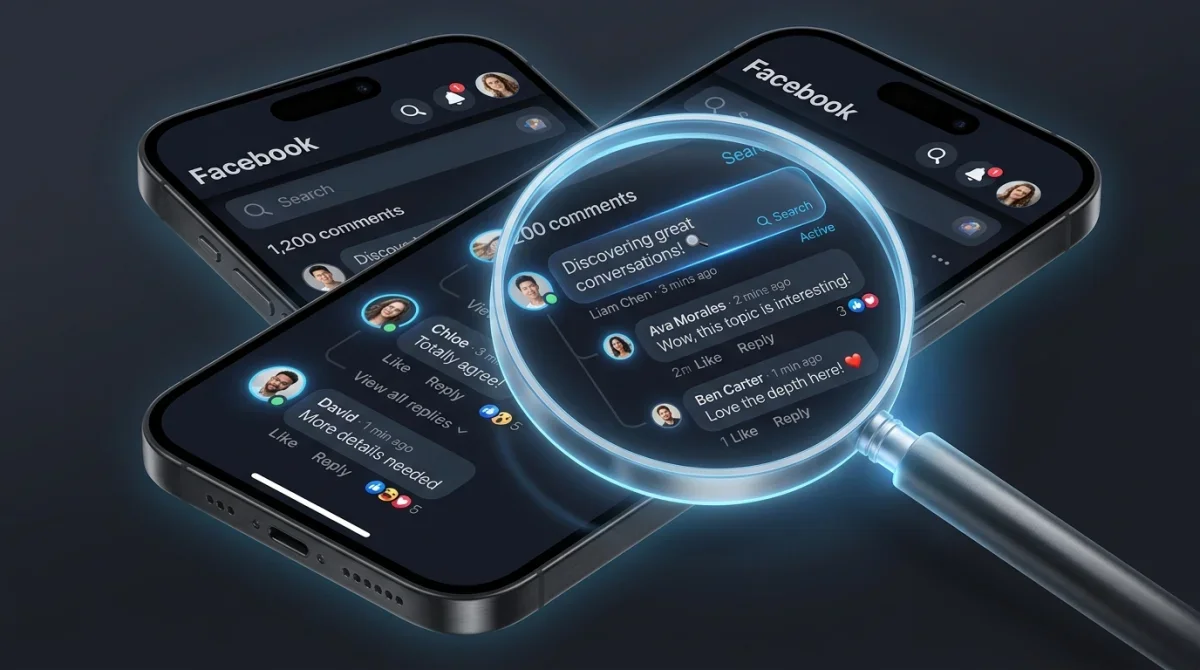
Imagine your next event post on Facebook, not just getting likes, but sparking dozens of specific, eager comments from potential clients. This isn't about vanity metrics; it's about real people asking about dates, packages, and how to book your services. For event professionals, mastering event marketing Facebook comments means turning casual interest into a booked calendar.
You might think getting comments is a numbers game, but it’s more about crafting the right invitation. We're going to dive into specific tactics that make people *want* to engage, and then show you how to convert that engagement into actual business. Forget the vague 'engagement tips'; this is about turning every comment into a potential booking.
Crafting Irresistible Event Prompts for Facebook Comments
Getting people to comment on your event posts starts with asking the right questions. Don't just announce your event; create a conversation around it. Think about the specific details that get people excited or make them think about their own needs.
Asking Engaging Questions
Instead of simply stating your availability, ask a question that requires a personalized answer. For example, if you offer wedding planning, don't just say, "Now booking for 2027 weddings." Instead, try, "If you could have any theme for your 2027 wedding, what would it be? Tell us in the comments!" This makes people visualize their event and share their dreams, giving you a direct insight into their preferences. For more ideas, check out How to Write Posts That Demand a Reply.
Another effective prompt involves choices. Offer two appealing options related to your service and ask people to pick one. "Beach wedding or rustic barn? Which describes your dream day?" This is low-effort for the commenter but provides valuable data and opens a dialogue. You're not just looking for any comment; you're looking for comments that hint at their event needs.
Pro tip: Always respond to every comment. Even a simple 'Thanks for sharing!' keeps the conversation alive and signals that you're an engaged business owner. Personalize your replies where possible.
Leveraging Comment-Driven Contests and Giveaways for Event Bookings

Contests are powerful tools for generating comments, but to make them effective for event bookings, you need to structure them strategically. The entry method should naturally lead to qualified interest.
Designing Booking-Focused Contests
Instead of giving away a generic prize, offer something directly related to your event services. For example, a photographer could give away a free engagement shoot, or a DJ could offer a discount on a wedding package. The entry requirement? "Comment below with your dream event date and the type of event you're planning!" This immediately gives you specific lead information. You can find more strategies for boosting comment rates on ad campaigns at Boost Comment Rates on Facebook Ad Campaigns.
Make sure the prize is compelling enough to warrant the comment. A free consultation isn't usually enough, but a significant discount or an added service often is. Clearly state the rules, the prize, and the entry method. Set a clear deadline to create urgency. After the contest, you'll have a list of people who have explicitly stated their interest in your services, along with their ideal dates and event types.
Transforming Facebook Commenters into Qualified Event Leads
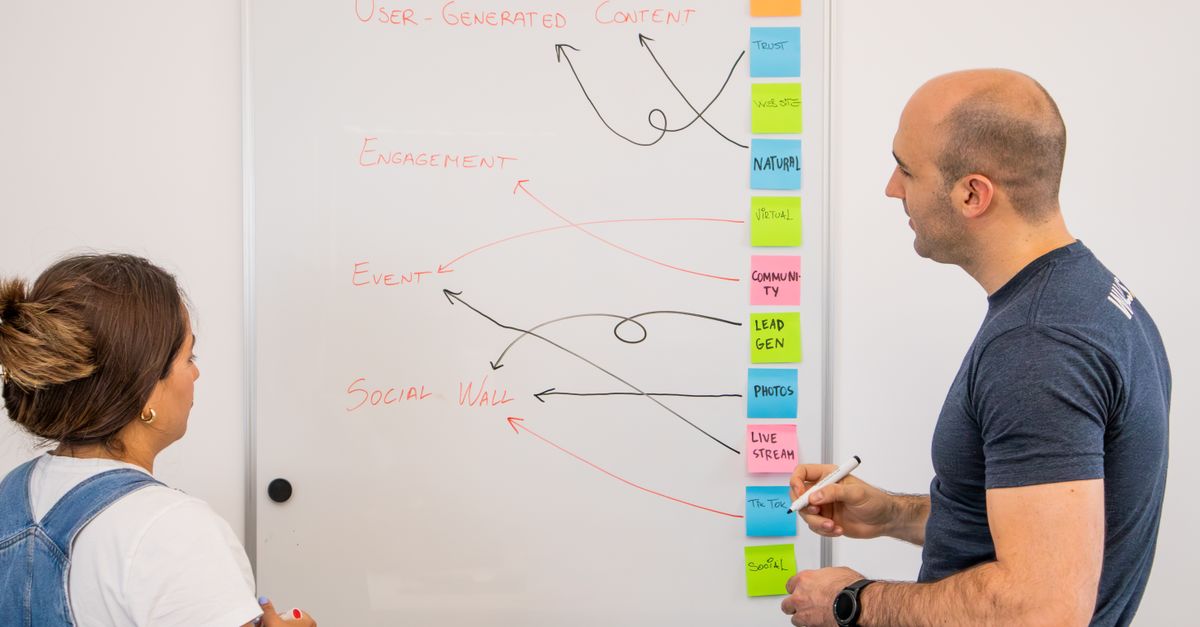
Getting comments is just the first step. The real magic happens when you convert those comments into actual bookings. This requires a deliberate follow-up strategy.
Strategic Follow-Up Techniques
Once someone comments with interest, don't just 'like' their comment and move on. Send them a direct message (DM) on Facebook. Your DM should acknowledge their comment, express gratitude, and offer a clear next step. For example, "Thanks for commenting! It sounds like you're planning a beautiful October wedding. Would you be open to a quick chat about our packages?" Offer a direct link to your booking calendar or a contact form.
For those who engaged with a contest, even if they didn't win, you have a valuable lead. DM all participants with a special offer – perhaps a small discount or a free bonus service for booking within a certain timeframe. This turns every participant into a potential client. Learn more about turning general engagement into real comments with Turn Facebook Likes Into Real Comments.
Warning: Be mindful of Facebook's messaging policies. Avoid spamming and ensure your messages are relevant and non-intrusive. Always offer value in your outreach.
Optimizing Facebook Live and Reels for Real-Time Event Interest
Live video and short-form content like Reels are incredibly effective for generating immediate engagement and direct booking conversations. People feel more connected to you when they see you in real-time or in dynamic, quick videos.
Engaging Viewers During Live Sessions
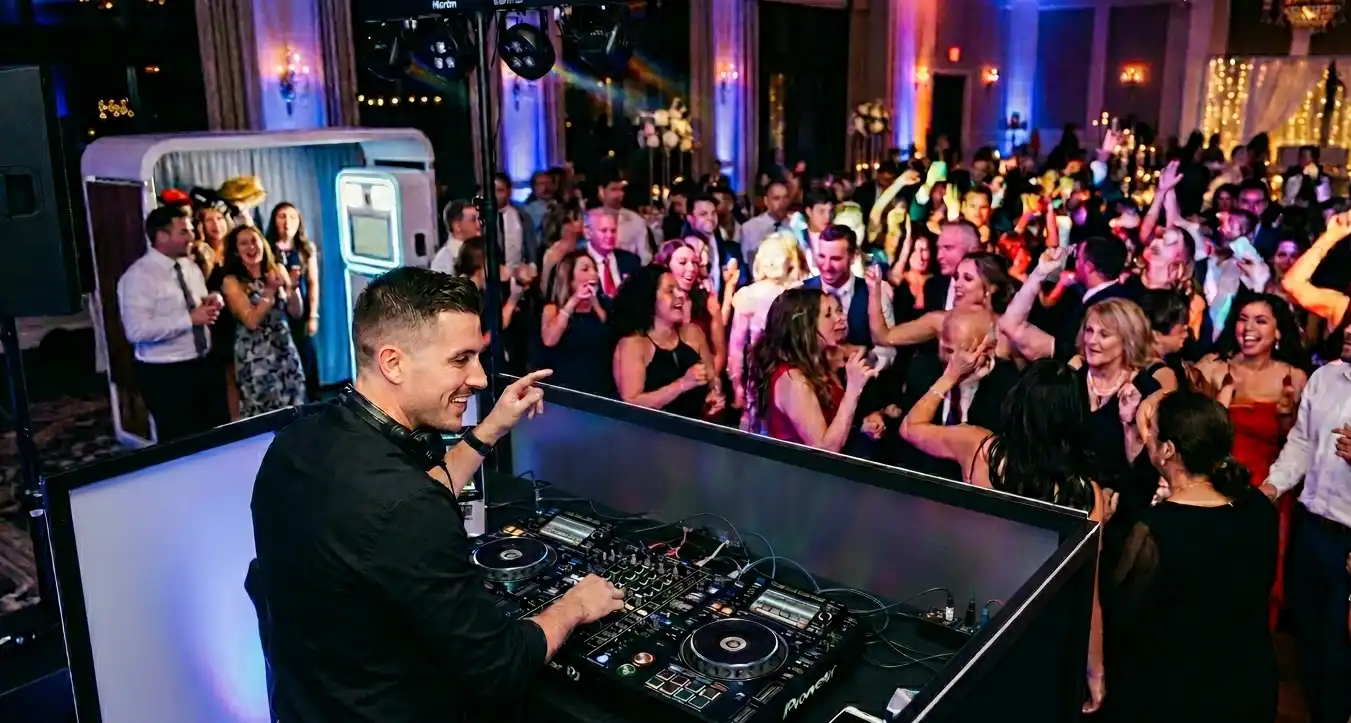
When you go Live, treat it like a mini-consultation or a behind-the-scenes look at your work. For a wedding planner, this might be a tour of a decorated venue. For a DJ, it could be a quick mix session. Throughout the Live, consistently ask viewers to comment with their questions or specific event needs. "If you're planning a corporate event, what's your biggest challenge right now? Tell me in the comments!"
Respond to comments in real-time during your Live. This makes viewers feel seen and encourages more people to participate. End your Live with a clear call to action: "If you're interested in booking, drop a 'DM me!' in the comments, and I'll reach out directly after this broadcast." For more on what gets replies, check out 5 Facebook Posts That Get Real Comments Fast.
Leveraging Reels for Quick Leads
Reels are perfect for quick, visually appealing content. Show snippets of your events, behind-the-scenes prep, or quick tips. Use text overlays that prompt comments. "Which of these decor styles is your favorite? Comment below!" or "Planning a party? Tell us your theme idea!" The goal is to get people thinking about their own events and sharing their thoughts.
Add a strong call to action at the end of your Reel, either in the video itself or in the caption. "Ready to plan your dream event? Comment 'INFO' and we'll send you details!" The immediacy of Reels often leads to quick, decisive comments that you can then follow up on. For further reading on getting more bookings, consider How DJs Get More Bookings on Facebook.
Frequently Asked Questions
Here are answers to some common questions about managing and converting Facebook comments for your event business.
How can I manage a high volume of Facebook comments without getting overwhelmed?
Managing many comments efficiently requires a system. Dedicate specific times each day to respond. Use saved replies or templates for common questions, but always personalize them slightly. Consider using Facebook Business Suite's inbox, which centralizes comments and messages. For truly high volumes, a social media management tool with comment moderation features can be a lifesaver. You can also explore Comment-First Facebook Strategy for Small Brands to streamline your approach.
What should I do if I receive negative or irrelevant comments on my event posts?
Address negative comments professionally and publicly if appropriate, or privately if the issue is sensitive. Offer to resolve concerns. For irrelevant comments, you can hide them without deleting them, so they're no longer visible to others but the commenter isn't notified. If comments are spam or inappropriate, delete them and consider blocking the user. Maintain a positive and professional image at all times.
Are there specific privacy considerations when asking for personal event details in Facebook comments?
Never ask for highly sensitive personal information (like full addresses, phone numbers, or credit card details) directly in public comments. Instead, prompt users to comment with a general inquiry (e.g., "DM me for details" or "Comment 'INFO' for a link") and then move the conversation to a private Facebook Message or email. Always direct them to a secure form or communication channel for sensitive data. Be aware of compliance, as discussed in Email Privacy Compliance for Facebook Leads.
Booking season moves fast — some event pros buy Facebook comments for ads to help a new campaign look established immediately.